








Office Ergonomics
What’s Ergonomics?
Ergonomics is the science of designing and arranging workplaces, products, and systems to fit the people who use them, optimizing their well-being and overall performance.
NSHE Office Ergonomics Assessments
The Nevada System of Higher Education provides Office Ergonomics assessments through the SafetySkills platform. Read on for instructions for getting started with SafetySkills.
First Time Users
-
Click on the link that says Sign up as a new user
-
Enter your first and last name, login, and email address. Your login is your email address
-
Select your institution from the Location drop-down list
-
On the My Training tab, you should see Office Ergonomics listed under your Current Training. Click on the course title to view the training
You can save and return to the self-assessment at any time
Returning Users
-
Log in with your existing username and password
-
Follow the steps above to view the course under My Training

Ergonomic Risk Factors
-
Awkward Postures:
-
Reaching, bending, twisting, or holding body parts in unnatural positions for extended periods
-
Examples include bending over to pick up objects, reaching for items on high shelves, or twisting to access equipment.
-
Poor posture while sitting or standing can also be a risk factor.
-
-
Force and vibration:
-
Applying excessive force to perform tasks, such as lifting heavy objects, pushing or pulling carts, or gripping tools tightly.
-
Heavy lifting, especially with improper technique, is a significant risk factor.
-
Exposure to vibration from tools or equipment.
-
Examples include using power tools, operating machinery, or driving vehicles.
-
-
Repetition:
-
Performing the same motions repeatedly, like typing, using a mouse, or assembling parts.
-
-
Contact Stress:
-
Direct pressure on the body from hard surfaces or edges, such as resting the wrist on the edge of a desk.
-
-
Static Postures:
-
Maintaining the same position for extended periods, such as sitting at a desk without breaks.
-
Reducing Office Ergonomics Risk Factors
-
Awkward Posture:
Adjust chair height, monitor position, keyboard & mouse placement and desk height
-
Force and vibration:
Use appropriate size equipment and tools. Apply proper lifting techniques.
-
Repetition motions:
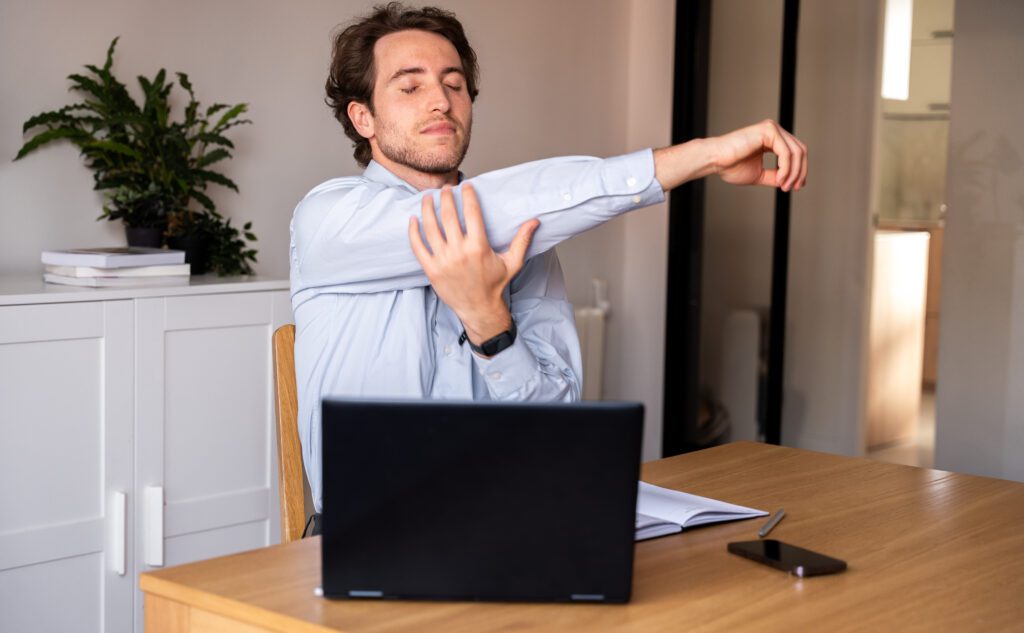
Take frequent breaks and alter tasks.
-
Contact stress:
Use wrist and arm support
-
Static postures:
Take breaks and alter position to reduce duration in static/fixed position
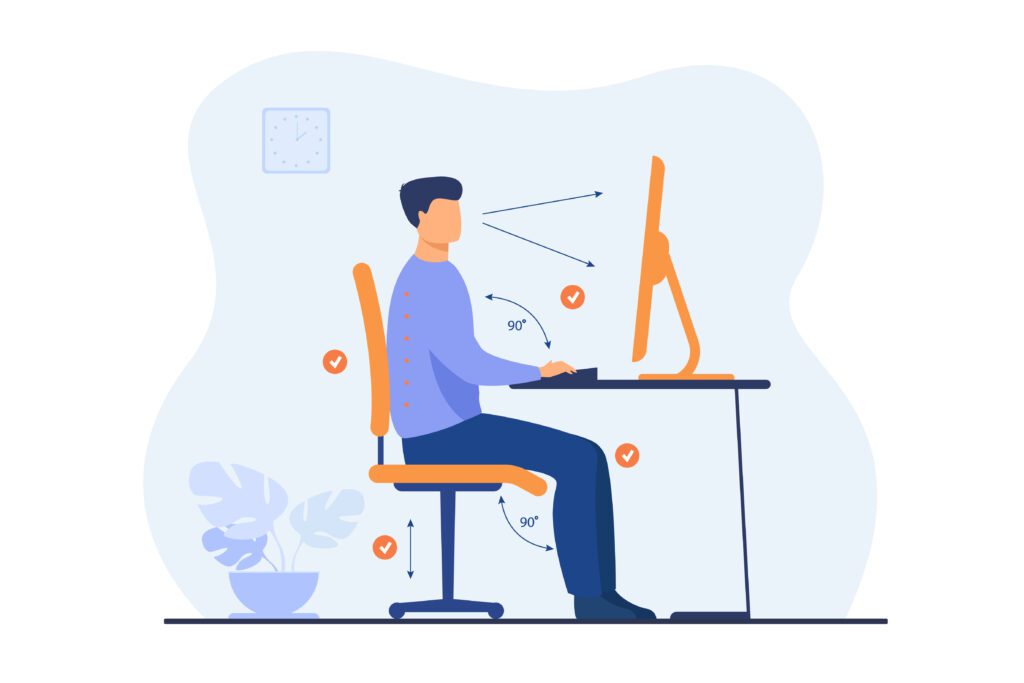
Ergonomic Office Workstation Setup
Feet to the Floor
-
Feet should be flat on the floor or on a footrest if necessary
-
Chair height should allow your legs to be in a neutral posture with knees level with hips or slightly below
Body to chair
-
The seat pan should be adjusted correctly to allow for the space of two fingers between the back of your legs and the chair
Desk and input devices
-
Desk height should allow for elbows to rest at bellybutton height
-
Input devices should be placed next to each other
-
Use a mouse that promotes a neutral or handshake wrist posture
-
Wrists should rest in either a neutral or slight negative tilt position
-
Wrist support should be used to reduce contact stress
Monitor(s)
-
Eyes should rest comfortably at the top 1/3 of the screen, promoting the neck to be in a neutral posture
-
Monitors should be an arm’s length distance away
-
If using two monitors equally center yourself. If using one monitor more often center yourself on the main monitor.